
REAPIT SALES Mobile
Introducing a new Mobile App Attendee workflow
We’re introducing a new open home attendee experience in Reapit Sales Mobile, making it easier to find existing contacts, reduce duplicate records and keep your database cleaner during check-in.
The experience will be introduced in two phases, starting with a redesigned attendee search and followed by new tools to help manage duplicate contacts directly from the mobile app.
reapit sales mobile
A smarter way to manage open home attendees
The new open home attendee workflow will roll out in two phases to make it easier to find existing contacts and reduce duplicate records.
Phase 1: Smarter search
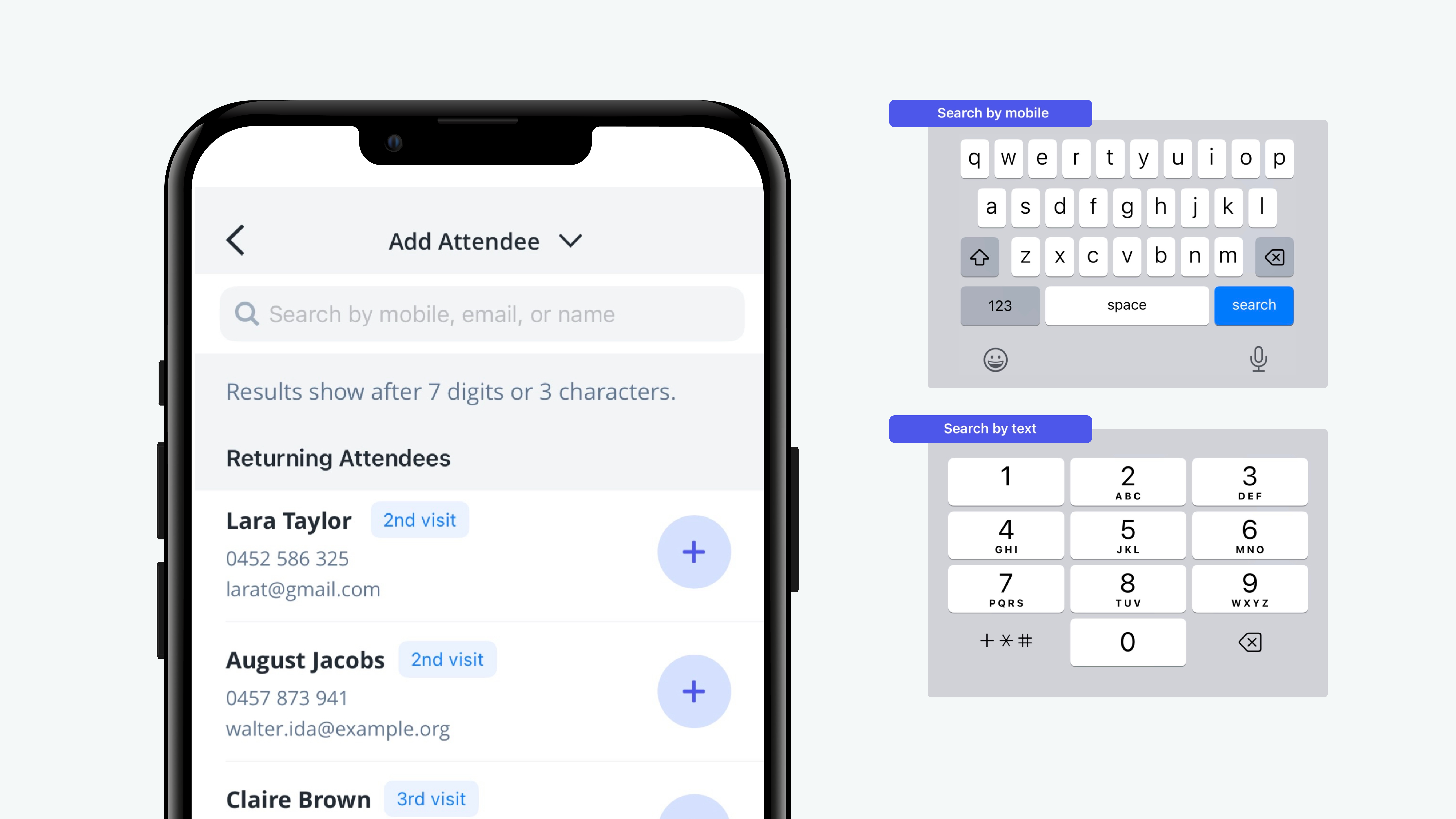
Search attendees by Mobile number, Email address or Name. You’ll also see updated attendee labels and property visit counts.
Phase 2: Duplicate contact management
When a potential duplicate is identified, you’ll be able to review the match and choose to merge the contacts or keep them separate. More information will be shared before Phase 2 is enabled.
What's changing?
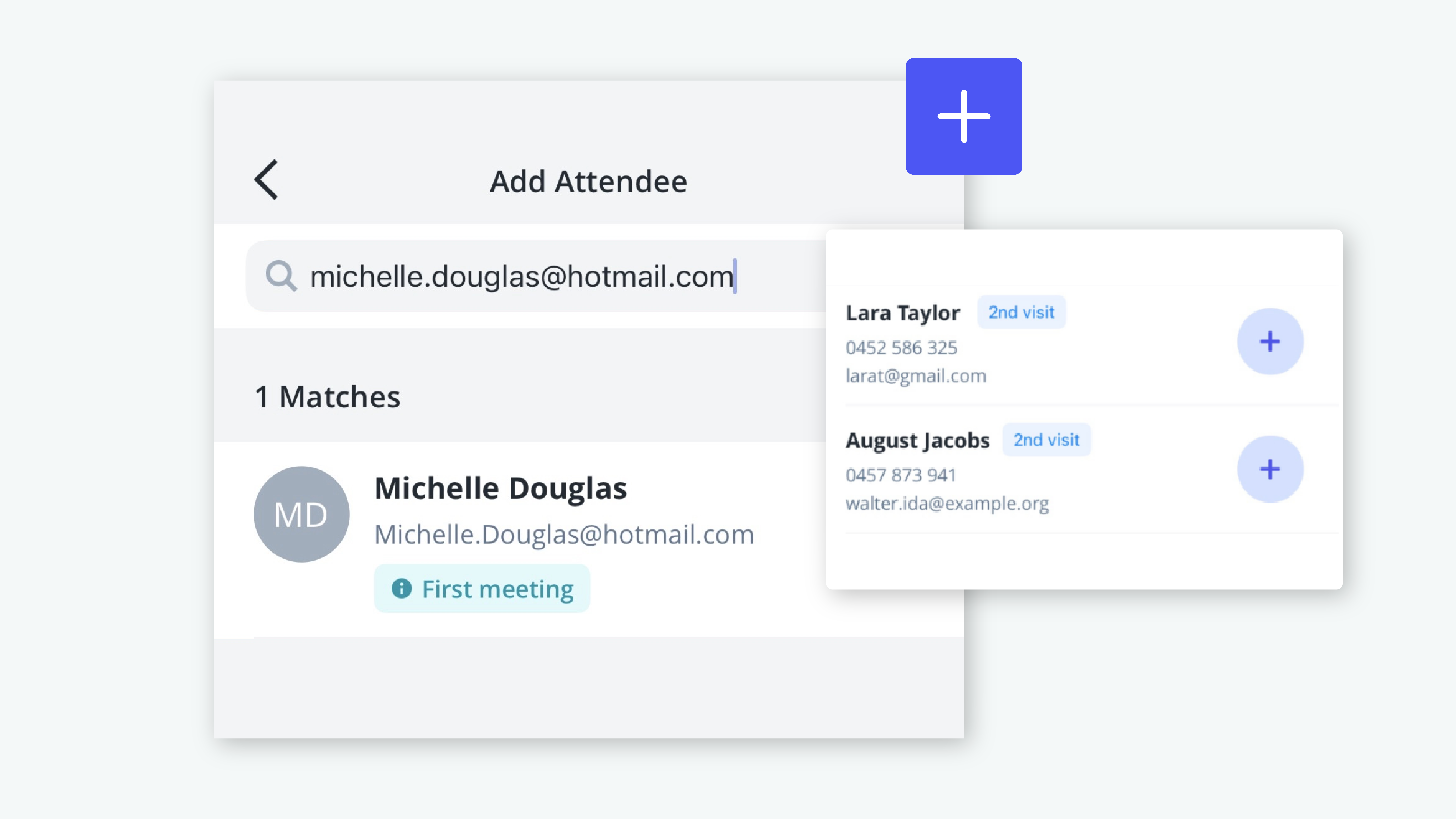
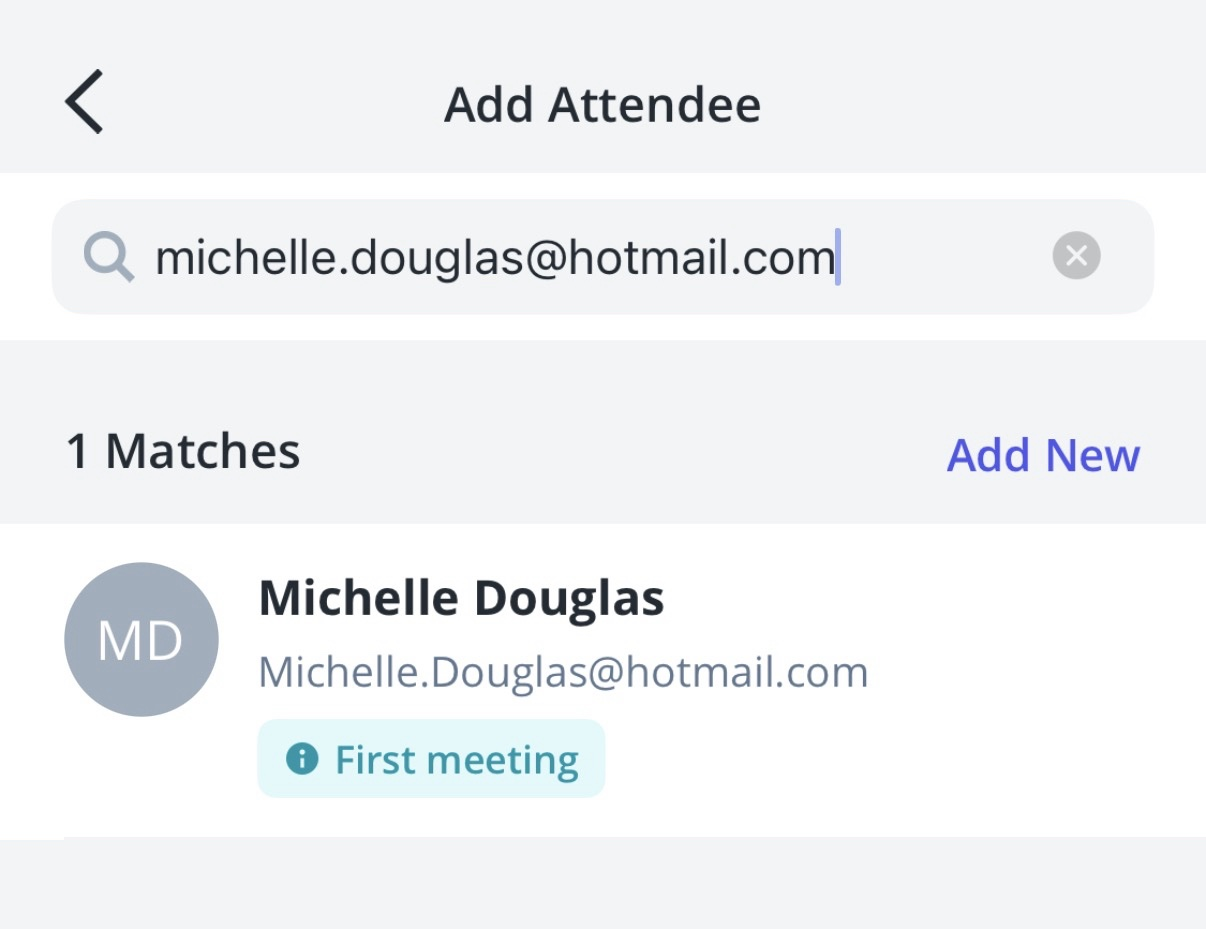
Search by email address: Find existing attendees using their email address, alongside mobile number and name.
- Find the right contact more easily: A single search field makes it simpler to search for attendees without switching between different search options.
- See attendee history straight away: Property visit counts help you quickly understand whether an attendee has previously inspected the property.
- Clearer attendee labels: Updated labels make it easier to distinguish between returning attendees and contacts you’re meeting for the first time.
- Manage duplicate contacts during check-in: In the next phase, potential duplicates can be identified and managed directly from the Add Attendee workflow.
Frequently asked questions
The new experience introduces a single search field that allows you to search for an attendee using their mobile number, email address or name. This makes it easier to find an existing contact during check-in without needing to choose a specific type of search first.
Yes. Searching by email address is a new capability in Reapit Sales Mobile. This gives you another way to identify an existing contact before creating a new record, helping reduce unnecessary duplicates in your database.
Yes. Mobile number and name search will continue to be available alongside the new email search functionality.
Some attendee labels have been updated to make them clearer.
Returning Attendee replaces Past Attendees and indicates someone who has previously attended an inspection.
First Meeting replaces Meeting for the First Time and identifies an existing contact in your agency’s database who hasn’t previously been assigned to you. Email matching can now also be used to identify a First Meeting contact.
Search results will display the attendee's visit count for the property.
For example, if an attendee has previously inspected the property once, their next visit will display a visit count of 2. This gives you a quick indication of how many times they have visited the property.
Contact merging will be introduced in Phase 2 of the beta. During Phase 1, you’ll have access to the new experience but will continue to use the existing Add Attendee workflow.
Once Phase 2 is enabled, the app will identify potential duplicate contacts when a matching mobile number or email address is found during the Add Attendee process.
You’ll then be able to choose between: Merge Contacts (combine the records into a single contact) and Keep Separate (continue with the contacts as separate records.)
When contacts are merged, the contact details most recently provided during check-in will become the primary contact information. Existing mobile numbers and email addresses will be retained as additional contact details where appropriate.
No. Contacts merged through the Add Attendee workflow cannot be unmerged. We recommend reviewing the suggested contact match before confirming the merge.
When contacts are merged, the welcome SMS will be sent to the mobile number most recently provided by the attendee. Welcome SMS messages will continue to use Reapit Sales SMS credits.
No new permissions have been introduced for Smart Attendee. Existing permissions for managing Open Home attendees will continue to apply.
When Phase 2 is enabled, users with access to the Add Attendee workflow will be able to merge contacts from within that workflow.
No. These updates are focused specifically on the Open Home attendee check-in experience.
Other areas of Reapit Sales Mobile will continue to use their existing screens and workflows.
No. There are no changes to the way offline attendees are managed as part of Smart Attendee.